
Create with AI #
Let AI build a full project plan for you — just describe your project and Ingantt generates tasks, dependencies, and a timeline in seconds.
Creating a Project #
To create a project schedule with AI:
- Click the + button on the Projects screen. If you're already editing a project, open the File menu instead.
- Choose Create new with AI.
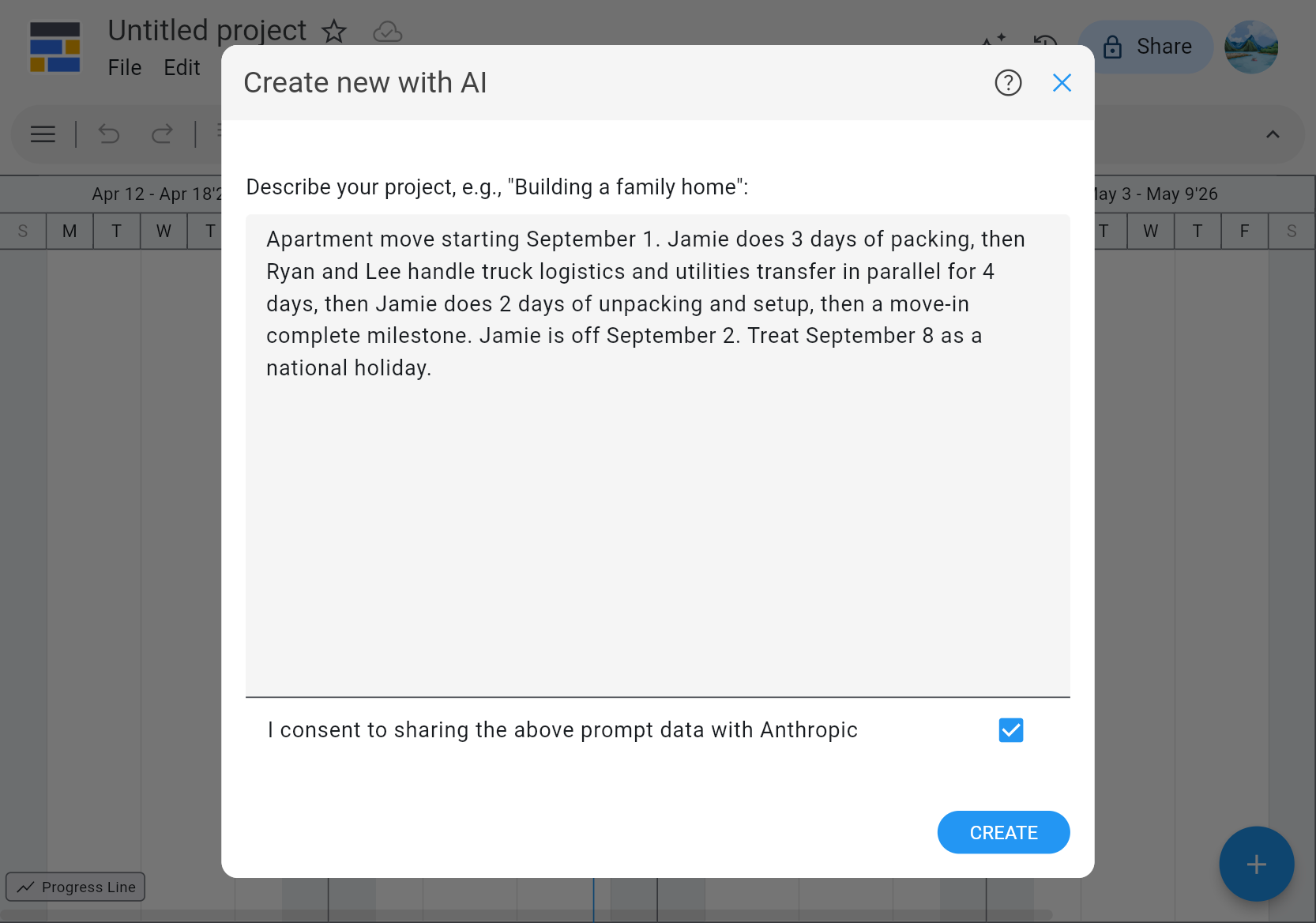
- Enter a description of your project in the dialog box.
- Click CREATE.
Writing a Good Prompt #
Your description can be as generic as "Development of an iOS food delivery app" or as detailed as you like.
For example, the renovation project that Getting Started walks through step by step produces the same schedule from a prompt like:
"My renovation project" starts January 1, 2027. Painter paints the walls for 2 days, then Carpenter installs the kitchen cabinets for 2 days after that. The Painter has a vacation day on January 4, 2027. Treat January 6, 2027 as a holiday for everyone.
If your project is large, try splitting it into sub-projects and generating separate project plans for each one.
Results may vary between runs, so if you're not happy with the output, try again.